

Ruby Native turns a Rails app into a native iOS app. Beervana is my first attempt at building something real with that. It’s a native iOS app powered entirely by HTML and a YAML file living on my Rails server. Here’s how it works.
It’s a web app under the hood 🤫
Every screen you see in Beervana is a Rails view, served over HTTPS, rendered in a WKWebView. There is no separate iOS codebase. There is no API. The “app” is my existing Rails app (same controllers, same ERB templates, same Turbo frames) loaded inside a native iOS shell.
That’s the part most Rails developers already understand. And historically, that’s where the story ends, because hybrid apps just… feel off. The tab bar is painted on. The back button is wrong. The forms don’t behave like iOS forms. Users smell a web app in a trench coat.
To make Beervana feel like an app an iOS user actually expects, the shell has to do more than host a web view. It has to give me real native components. And it has to do all of that without me leaving my Rails codebase.
Here’s how that works in Ruby Native.
Native tab bar
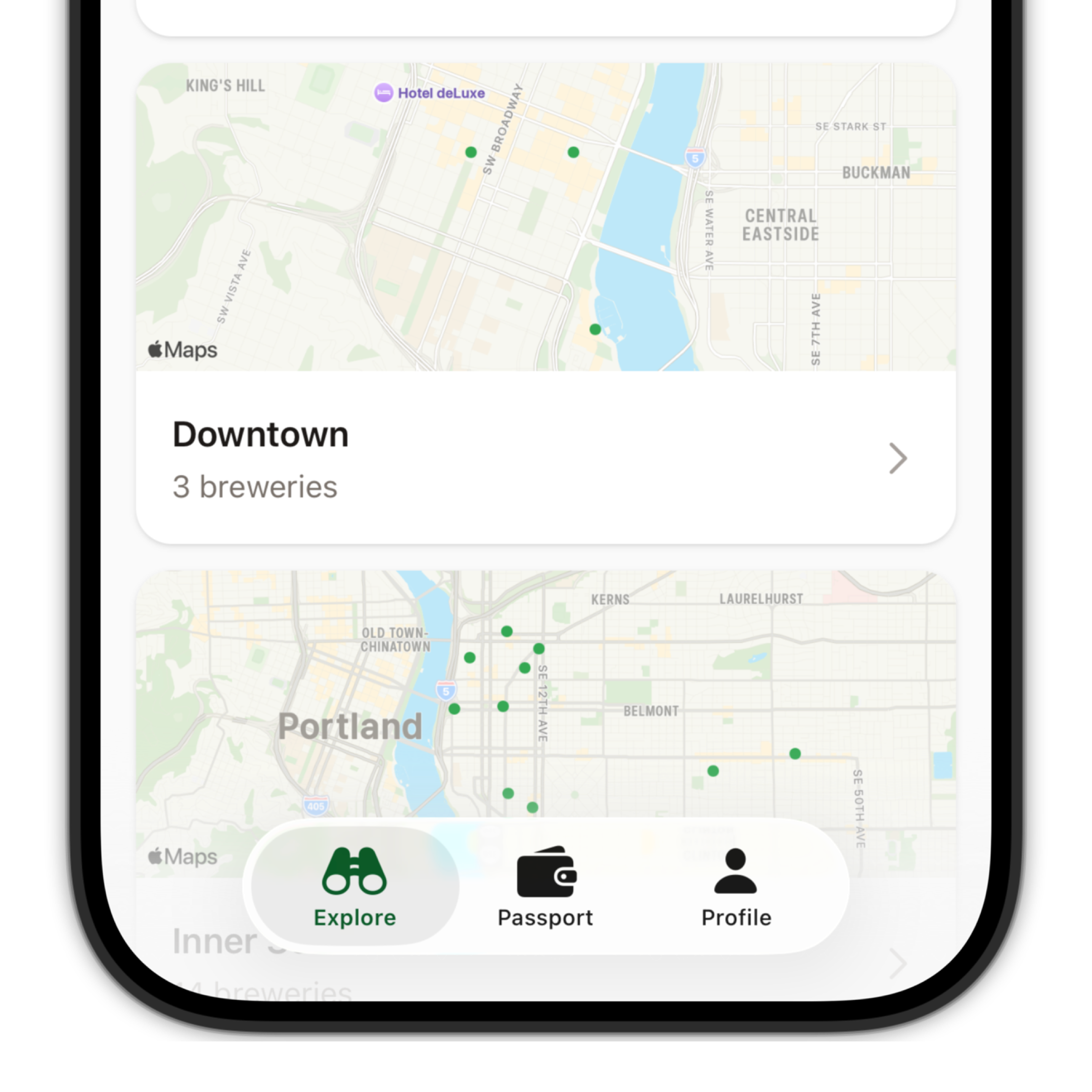
A native UIKit tab bar with SF Symbol icons.
Drawing a tab bar in CSS is easy. The hard part is everything else: linking between tabs so a web link in the Explore tab switches to Passport without reloading, refreshing one tab’s content after a non-GET request in another (stamp a brewery in Explore and the Passport tab needs to know), and hiding the tab bar entirely when the user signs out. That state management is where most hybrid apps fall apart.
Ruby Native handles all of that. Cross-tab refresh, auto-routing, and sign-out handling are all wired up automatically, without any additional code.
tabs:
  - title: Explore
    path: /explore
    icon: binoculars
  - title: Passport
    path: /passport
    icon: wallet.bifold
  - title: Profile
    path: /profile
    icon: person
Sign in with Apple
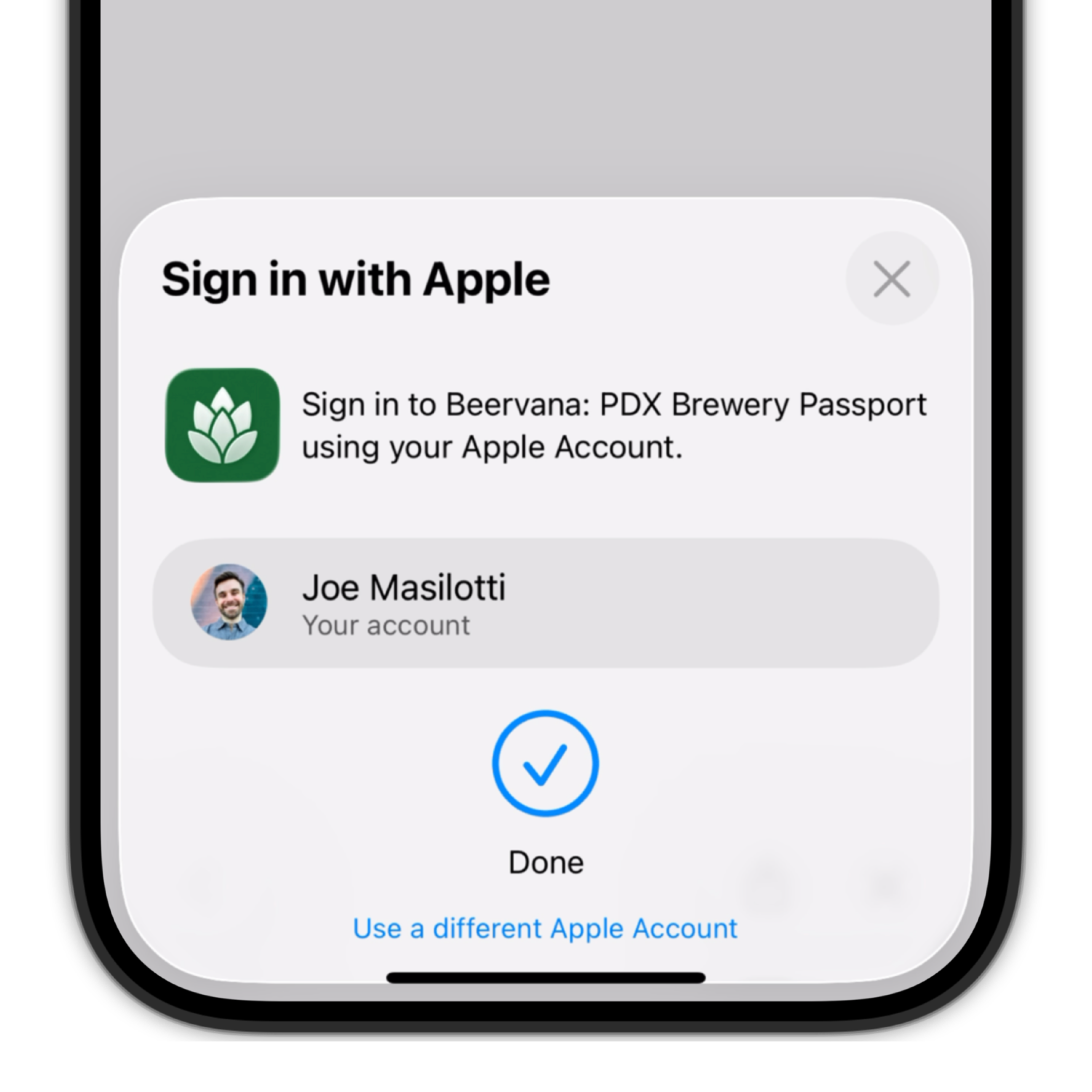
In the video, tapping “Sign in with Apple” opens a native system sheet. Face ID runs. The sheet dismisses. You’re signed in. That’s the bar for a production iOS app.
Getting there normally means writing Swift. ASWebAuthenticationSession to open the browser sheet, state and nonce handling to survive the round trip, a custom URL scheme to receive the callback, and then the awkward dance of getting your Rails session cookie onto the WKWebView so the user is actually signed in when they land back in the app. None of that is fun to write, and every piece is another thing to break.
Ruby Native does the entire native side for you. Your existing OmniAuth setup still owns the provider credentials, callback, and user creation. You just tell it which path kicks off an OAuth flow.
auth:
  oauth_paths:
    - /auth/apple
Native navigation bar
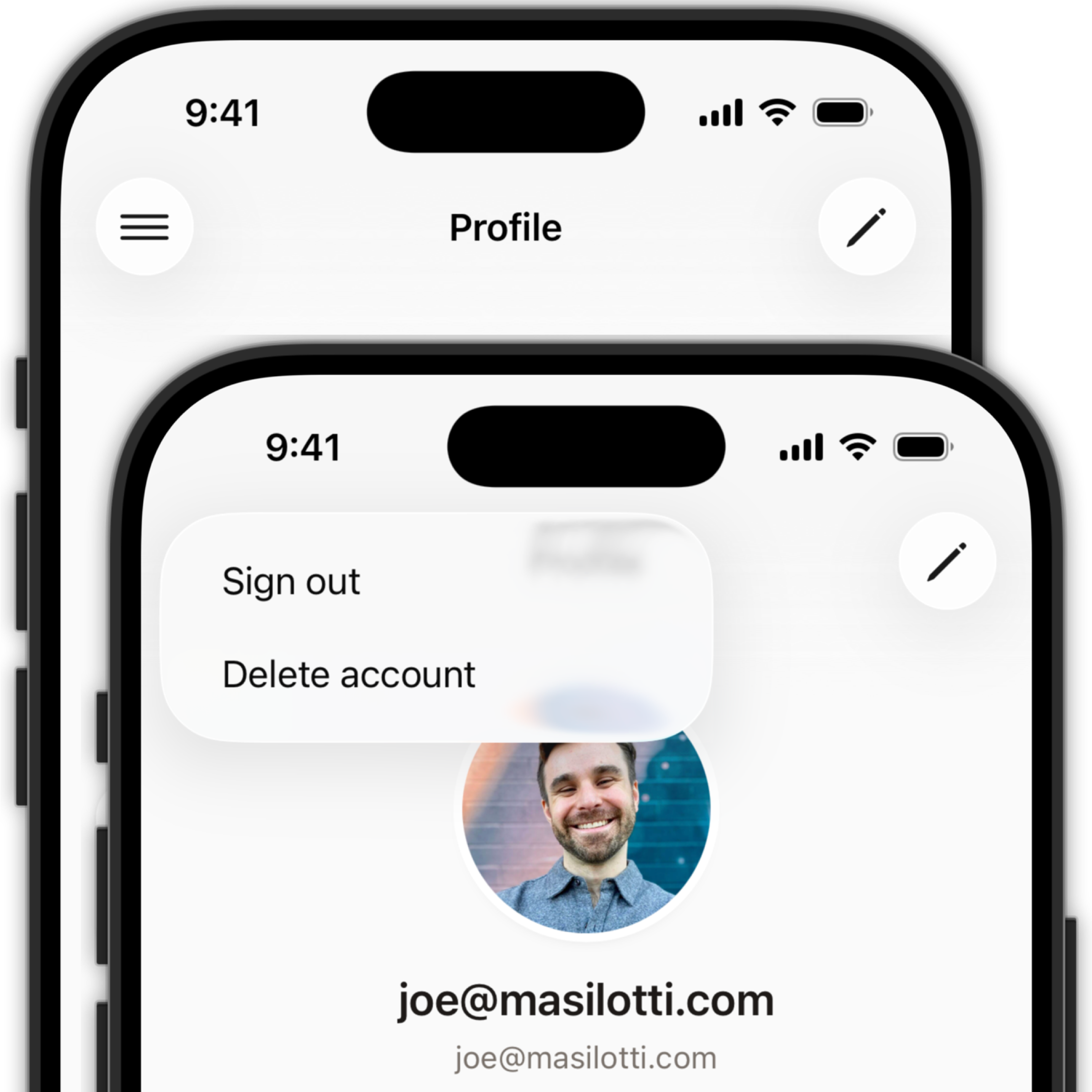
The nav bar is where a lot of a web app’s functionality lives. Edit buttons, overflow menus, account actions. In the video, tapping the menu button on the Profile tab opens a native drop-down with Sign out and Delete account. Tapping Delete account fires a native iOS alert.
All of it is powered by ERB.
native_navbar_tag gives you a UINavigationBar. navbar.button adds a bar button item with an SF Symbol. A block turns that button into a drop-down menu. Each menu item uses one of two verbs: href navigates to a path, or click clicks a hidden DOM element — which means your existing button_to with a turbo_confirm prompt just works, including the native iOS alert it triggers.
<%= native_navbar_tag do |navbar| %>
  <% navbar.button icon: “line.3.horizontal” do |menu| %>
    <% menu.item “Sign out”, click: “#sign-out” %>
    <% menu.item “Delete account”, click: “#delete-account” %>
  <% end %>
  <% navbar.button icon: “pencil”, href: edit_profile_path %>
<% end %>
Native forms
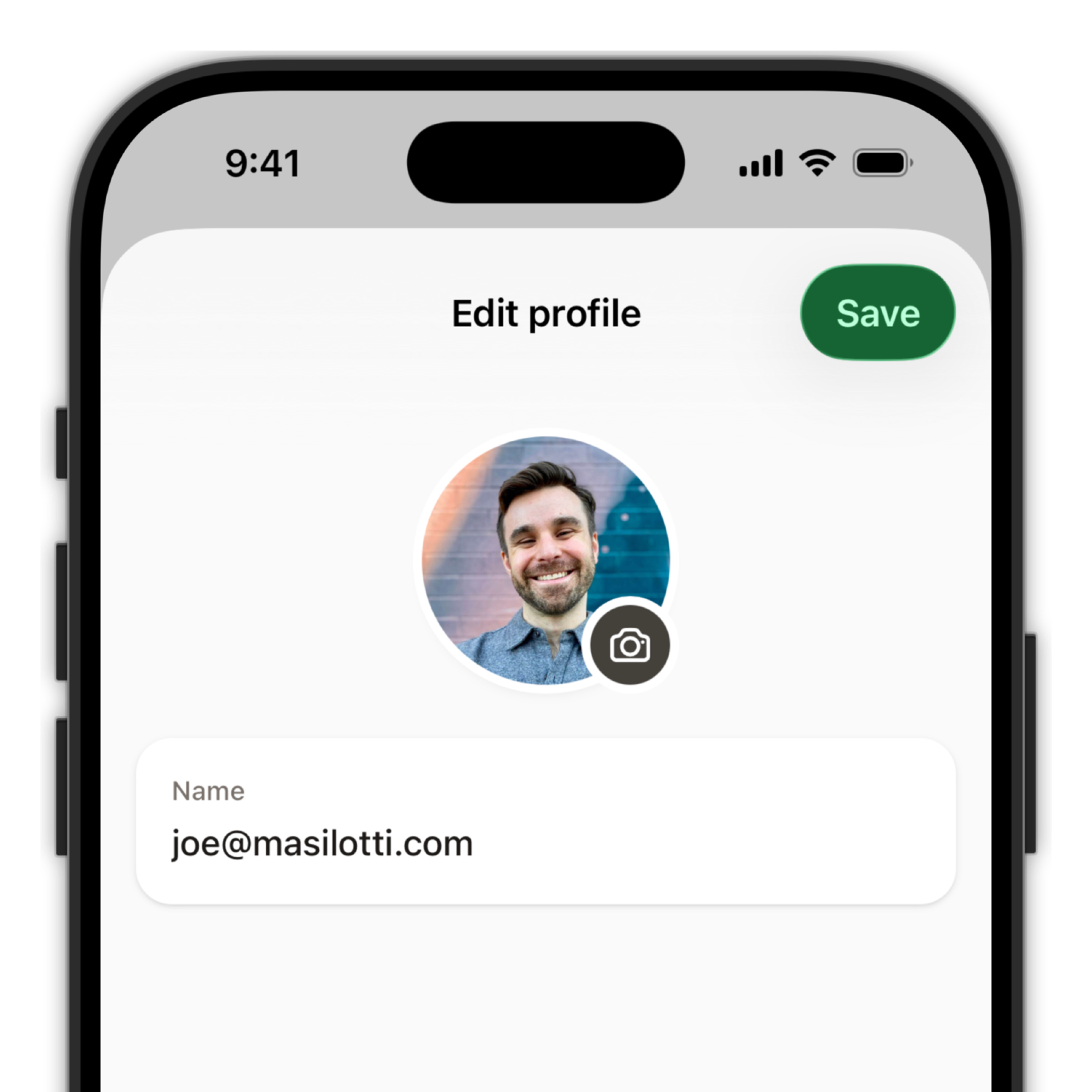
Forms on iOS feel different from forms on the web. The edit screen slides up as a modal sheet. The Save button lives in the navigation bar. Tapping Save disables the form and shows a native loader while the request is in flight. When it finishes, the sheet dismisses and tapping back doesn’t take the user to an empty form page.
That set of expectations has no direct equivalent on the web, which is why most hybrid forms feel off. Ruby Native closes the gap with a single tag.
native_form_tag tells the native app this is a form page. The navbar.submit_button helper puts a native Save button in the nav bar that’s wired to the Rails form below it. Submit the form and the native button disables itself, shows a loader, and waits for Rails to respond. Back navigation skips the form page automatically, so the user never sees a stale draft.
<%= native_form_tag %>
<%= native_navbar_tag “Edit profile” do |navbar| %>
<% navbar.submit_button %>
<% end %>
<%= form_with model: current_user do |form| %>
<%= form.text_field :name %>
<% end %>Try it
Beervana is live on the App Store today. Everything in the video and every snippet above is running in the real, shipped app.

And that’s the whole point of Ruby Native. I didn’t write Swift, I didn’t open Xcode, and I ship updates from my Rails repo the same way I always have. Same controllers, same ERB, same deploys.
Ruby Native starts at $299 per app per year, and you can start by shipping to TestFlight for free. The build pipeline runs in the cloud, so you never install Xcode or deal with signing certificates. If you have a Rails app and you’ve been putting off the native version, come kick the tires.
Reply with questions. I’d love to hear what you’d build!
This is going to be so AWESOME. Thanks, Joe!